
No AI training on your case data
Your messages, documents and supporting evidence are not used to train our AI.
A complete case preparation system
Evidence Web is a working case system for individuals and attorneys. Bring messages, documents, recordings and events into one organised record, then build timelines, review connections and prepare court-ready documentation.
Designed for high-conflict divorce, criminal matters, labour disputes and other court battles. The AI works alongside your evidence, case email, calendar and preparation tools.
Find your planMessages, files and supporting records
Correspondence attached to the matter
Events, meetings and important dates
Questions and preparation grounded in your case
Dates and connections in context
Organised material for professional review
A complete case workspace, not a general-purpose chatbot. Features and usage allowances depend on your plan.
Automated evidence entry. More time to prepare.
Let Evidence Web handle the repetitive work of adding documents to your case. Bring a document into the system in under a minute, with less manual typing and more time to review your evidence and prepare.
See how repetitive entry adds up, one document at a time.
Prepare the record. Enter the information. Add the file.
Less typing. An organised record, ready for your review.
Illustrative comparison using 10 minutes of manual entry and under 1 minute in Evidence Web per document. Actual savings vary by document and workflow. Evidence review and legal preparation take additional time.
All your evidence in one place
The story should not stop at the edge of an app. Bring the records together, add your notes and keep every important detail connected.
Keep relevant exchanges together and connect messages to the events and people they concern.
Turn information into insights
Find the patterns others miss.
AI case guidance helps you explore your records, understand the connections and prepare questions for your attorney. Work with your evidence inside a complete case system.
Our case AI runs within Evidence Web’s secure, internally controlled system. Your case data is not sent to ChatGPT, Claude or other third-party AI providers, or used to train our AI.
Explore Case IntelligenceBring related events and evidence into one connected story.
See your case as a whole and focus on what needs attention.
Insights support review. You and your lawyer decide what the evidence means.
Automated case correspondence & important dates
Give each case its own email address. Bring incoming correspondence and attachments into the right case automatically, reducing manual uploads and repetitive filing. Send and receive case emails with the conversation kept together.
Use the case calendar to organise appointments, attorney meetings, hearings and other important dates alongside the events and evidence you are preparing.
Own case email is included with Gold, Company and Business Plus. Silver does not include case email. Sending allowances depend on the plan.
From scattered evidence to a stronger story
A message on its own. A photo without context. A date you cannot quite place. Evidence Web helps connect the details, so you can see what happened and prepare with confidence.
Messages, emails, photos and recordings. Start with the records you have, in the formats they come in.
This is where most people start
Different apps. Different formats.
No clear picture.
The important details are there. But they are scattered across conversations, folders and memories. Finding the story can feel overwhelming.
Evidence Web brings it all together
in one secure place.
See the bigger picture
Visualise people, events and connections.
A single record tells part of the story. Connect it to the people, documents and events around it, and the bigger picture begins to emerge.
From chaos to clarity
Start with what you have.
Build a story you can clearly explain.
Bring in your emails, messages, documents, photos, recordings and more.
Link messages, documents and files to the people and events they relate to.
Explore patterns and see the bigger picture with Case Intelligence, a timeline and an evidence map.
Prepare your timeline and supporting documents, then share them with your lawyer.
Court pack preparation
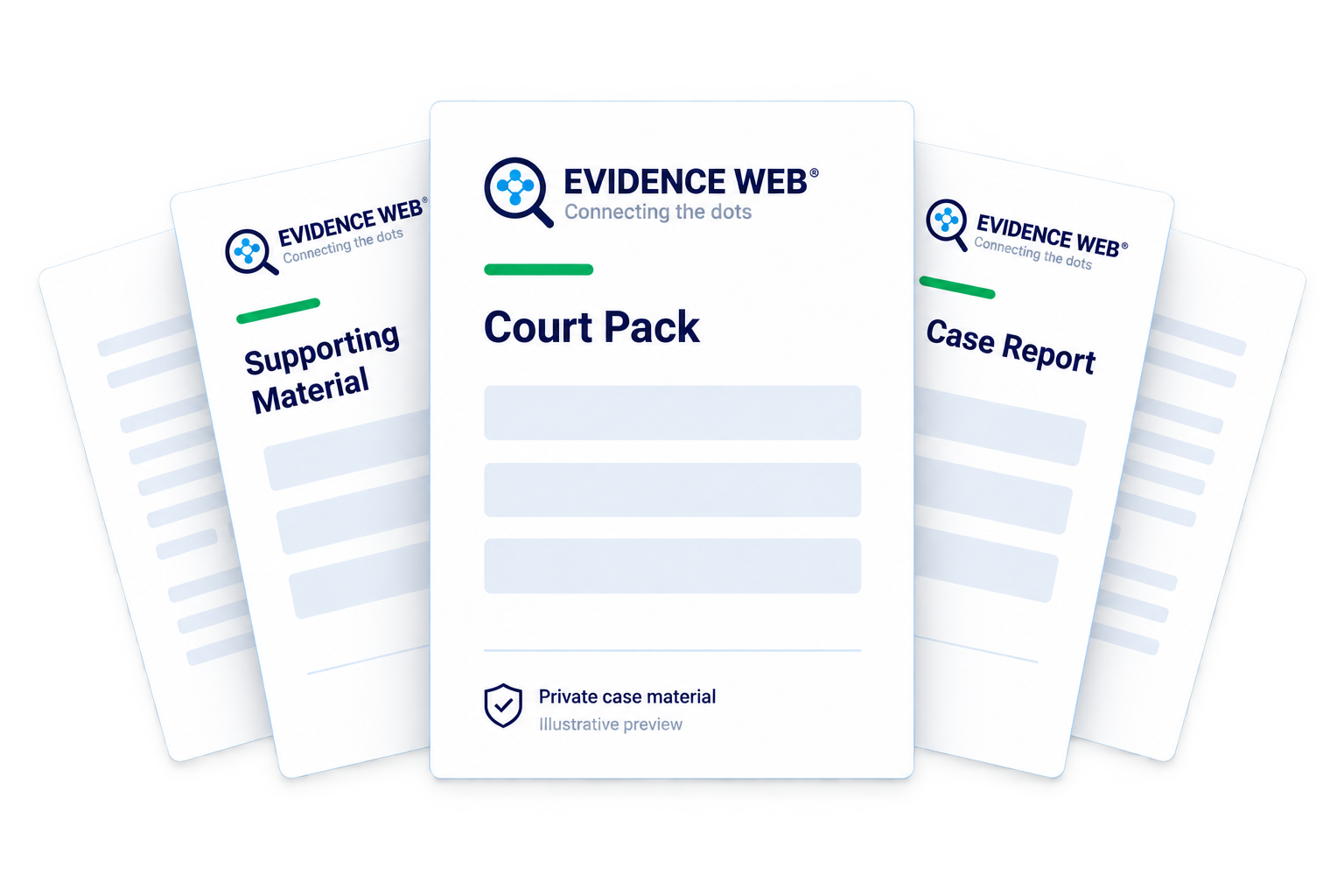
Give your lawyer an organised starting point. Bring your timeline, evidence list and supporting documents together so your case is easier to review.
A fictional example showing how a case can be organised.
Built for real life situations
Different challenges. A clearer way forward. Bring together the evidence that matters to your situation.





 Every detail matters.
Keep a clear record of missed visits, changed plans and communication. See what happened over time.
Find a Plan for Your MatterYour information stays yours
Protection for your information as it moves and while it is stored.
You control who can access the cases you share.
An activity log records what happened to the evidence in your case.
Designed with privacy and legal workflows in mind.
Your evidence. Your control.
Your case data stays within Evidence Web’s secure, internally controlled AI system. We do not send it to ChatGPT, Claude or any other third-party AI provider, and we do not use it to train our AI.
Your messages, documents and supporting evidence are not used to train our AI.
Case AI processing stays within Evidence Web. Your case data is not shared with third-party AI providers.
Choose who can access your case and the records you share with your attorney or team.
Lawyer access & professional sharing
Bring your lawyer or another professional into the picture. Share the relevant case material, agree who can view or edit it, and keep everyone working from the same organised record.
Selected records shared with 2 professionals. You remain in control.
AI guidance built around your matter
When a high-conflict divorce feels overwhelming, an AI case agent helps you organise the record, understand the information and prepare questions for your attorney. The same case-focused approach supports criminal, labour and other legal matters.
Legal-workflow guidance sits alongside your evidence, rather than leaving you with a disconnected chat history. Build a documented case that you and your attorney can review and develop together.
AI assists with organisation and preparation. It does not provide legal advice, replace your attorney or guarantee a court outcome. Review generated material against the original records.
Bring relevant messages, documents and events into your case. Your AI agent helps you work through the information you have.
Keep important arrangements, messages and events in one place, so the details do not get lost when life feels complicated.
Share a timeline and its supporting documents, so your lawyer can spend more time reviewing your case and less time piecing it together.
Follow people, events and records across the case. Keep each finding connected to the evidence that supports it.
Inside Evidence Web
Bring messages, documents, events and people into one organised workspace. Prepare a clearer record for yourself and your attorney.
Import relevant WhatsApp conversations and attachments. Review the conversation alongside your timeline and supporting documents.